
Special Offers

Villatel Orlando Resort
America’s 250 Year Anniversary

Villatel Orlando Resort
America’s 250 Year Anniversary
America turns 250 this summer—cue the fireworks, sunshine, and unforgettable moments. There’s no better place to celebrate than Orlando, where red, white, and blue meets pool days and theme park thrills. Gather your crew, book the villa, and make it a vacation to remember. Enjoy 15% off your stay plus a $250 Universal gift card—because 250 years calls for a celebration as big as the USA.
Learn More
Book Now

Villatel Orlando Resort
Soak & Save - 25% Off Your Stay

Villatel Orlando Resort
Soak & Save - 25% Off Your Stay
Soak up warm Florida sunshine and a little extra value while you’re at it. Save 25% on a 3-night stay and make the most of poolside afternoons, nearby attractions, and easygoing resort days.
Learn More
Book Now
Homes By Villatel, Orlando
Early 4th Offer

Homes By Villatel, Orlando
Early 4th Offer
Beat the holiday rush with a stay in May or June and receive a complimentary 'early 4th' celebration kit with themed pool floats, toys, treats, and more. Better rental rates and flight deals, less crowded attractions, and extra perks to kick off the summer holidays in style.
Learn More
Book Now
Villatel at Harbor Island Beach Club
Early 4th Offer

Villatel at Harbor Island Beach Club
Early 4th Offer
Beat the holiday rush with a stay in May or June and receive a complimentary 'early 4th' celebration kit with themed pool floats, toys, treats, and more. Better rental rates and flight deals, less crowded attractions, and extra perks to kick off the summer holidays in style.
Learn More
Book Now
All Resorts
Book 7 Nights, Get the 8th Night Free

All Resorts
Book 7 Nights, Get the 8th Night Free
Your sweet escape just got sweeter 🍬: book 8 nights and only pay for 7! Excludes major holidays.
Learn More
Book Now
Villatel Orlando Resort
Florida & Georgia Resident Offer

Villatel Orlando Resort
Florida & Georgia Resident Offer
Living local has its perks. Enjoy 15% off when you book 2 nights or more at Villatel Orlando Resort. It's the perfect excuse to hop in the car, head to Orlando, and turn an easy drive into a full-on vacation.
Learn More
Book Now
Homes By Villatel, Orlando
Florida & Georgia Resident Offer

Homes By Villatel, Orlando
Florida & Georgia Resident Offer
Local perks, unlocked. Florida and Georgia residents can enjoy 10% off when booking 4 nights or more at all Homes By Villatel locations. Pack up the car and turn your road trip into the ultimate retreat!
Learn More
Book Now
Villatel at Harbor Island Beach Club
Florida & Georgia Resident Offer
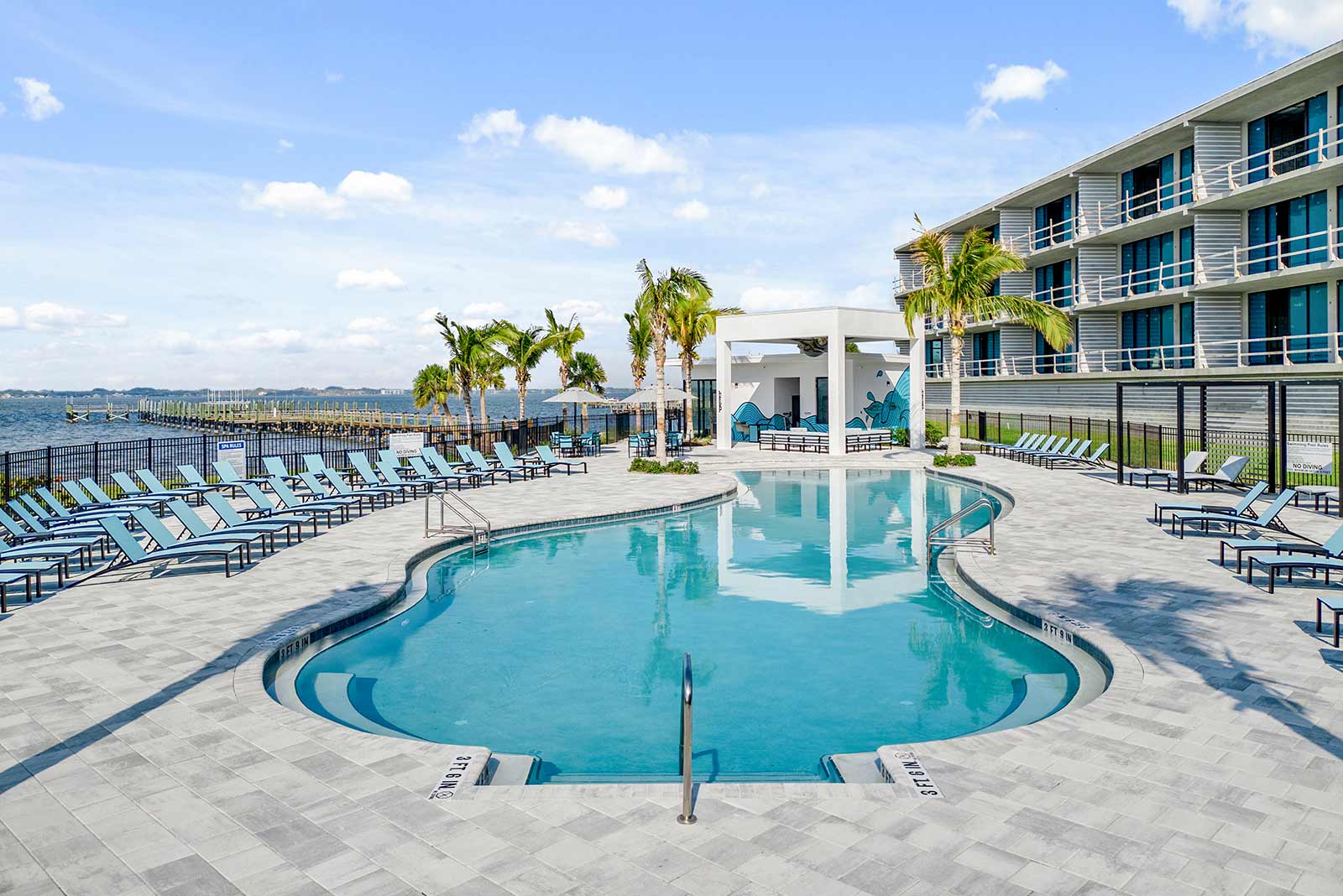
Villatel at Harbor Island Beach Club
Florida & Georgia Resident Offer
Local perks, unlocked. Florida and Georgia residents can enjoy 10% off when booking 4 nights or more at Villatel at Harbor Island Beach Club. Pack up the car and turn your road trip into the ultimate retreat!
Learn More
Book Now
FAQs
How do I apply a promo code to my reservation?
To apply a promo code to your reservation, first choose your desired villa type and click "Book Now." In the checkout screen of the booking process, you will reach the payment section. Here, look for the box labeled "Have a promo code?" and enter your code there. Then, click "Submit" to apply the discount to your reservation.
How do I select add-ons during the booking process?
After selecting your villa and clicking "Book Now," you'll see standard add-ons such as early/late checkout, pool heat, and grill use on the checkout screen. You can select "Add To Trip" at this point or proceed to the confirmation screen by clicking "Confirm & Pay" to add them there. Once your reservation is confirmed, you’ll have another chance to choose additional add-ons and packages by selecting "Add To Trip" before finalizing your booking and clicking "Confirm & Pay."
Who can I contact for assistance with add-ons after receiving my booking confirmation or during my stay?
Our Guest Services team is available 24/7 to assist you. Feel free to reach out by phone or email, and we'll be happy to help! Contact us at 407-307-2794 or stay@villatel.com.
